How to load an open multideck chiller without blocking airflow
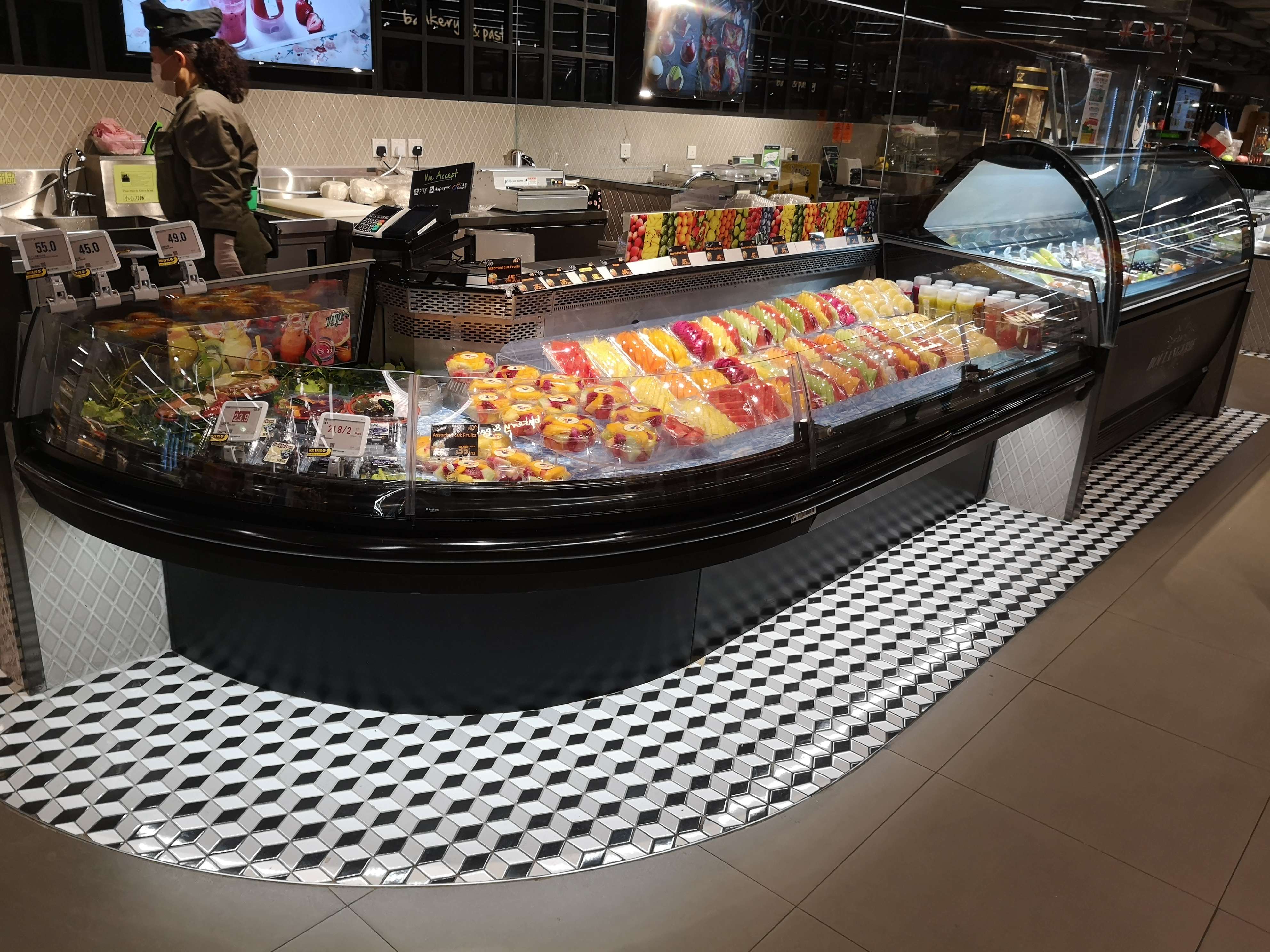
Keep every product inside the marked load limits, leave the supply and return grilles unobstructed, and stock only goods that are already at the required temperature. These three actions protect the moving air curtain across the open front and help chilled air circulate around the display.
A shelf can look orderly and still be overloaded. A bag leaning over the front edge, a tray pushed against the rear outlet, or packaging resting on the bottom grille can interrupt the intended air path. Before adding stock, identify where the cabinet delivers air, where it returns, and where the manufacturer has marked the maximum loading boundary.
Find the air path before filling the shelves
In a typical open multideck display, chilled air leaves an upper outlet, travels down across the open front, and returns through a grille near the bottom. Some designs also deliver air through openings in the rear panel. The exact arrangement varies, so use the cabinet markings and operating instructions to identify all outlets and returns.
The front load line defines the boundary beyond which merchandise must not project. Look along the full length of each shelf: soft packs, bottles tilted forward, promotional signs, and shelf-edge labels can cross that boundary even when the main stack appears to be inside it. The load line is a limit, not a target that must be filled.
Keep the bottom return grille clear of cartons, loose wrapping, spilled product, and merchandise. Do not place a tray over it to create extra display space. At the rear, avoid pressing packages against perforations or air channels; follow the clearances specified for the cabinet. A solid wall of stock can restrict air movement even when no individual package covers an obvious vent.
Build the display from the back forward
Start with shelves correctly positioned and secured. Leave the rear air openings visible where the cabinet instructions require it, then place products in stable rows without pushing them into the back panel. Bring the front row forward only as far as the marked loading boundary. Keep every pack fully supported by the shelf.
Use the height of the package to set the number of layers. Stacking to the underside of the shelf above can obstruct circulation and make stock difficult to remove without disturbing the surrounding display. Leave the space specified by the manufacturer, and avoid bridging the gap between shelves with tall packs or display materials.
For adjustable shelves, check the effect of both height and angle before loading. A steeper shelf may improve visibility, but bottles, rounded packs, or flexible bags can slide forward into the air curtain. Use compatible product retainers where permitted, and make sure the retainers themselves do not obstruct airflow or extend past the load line.
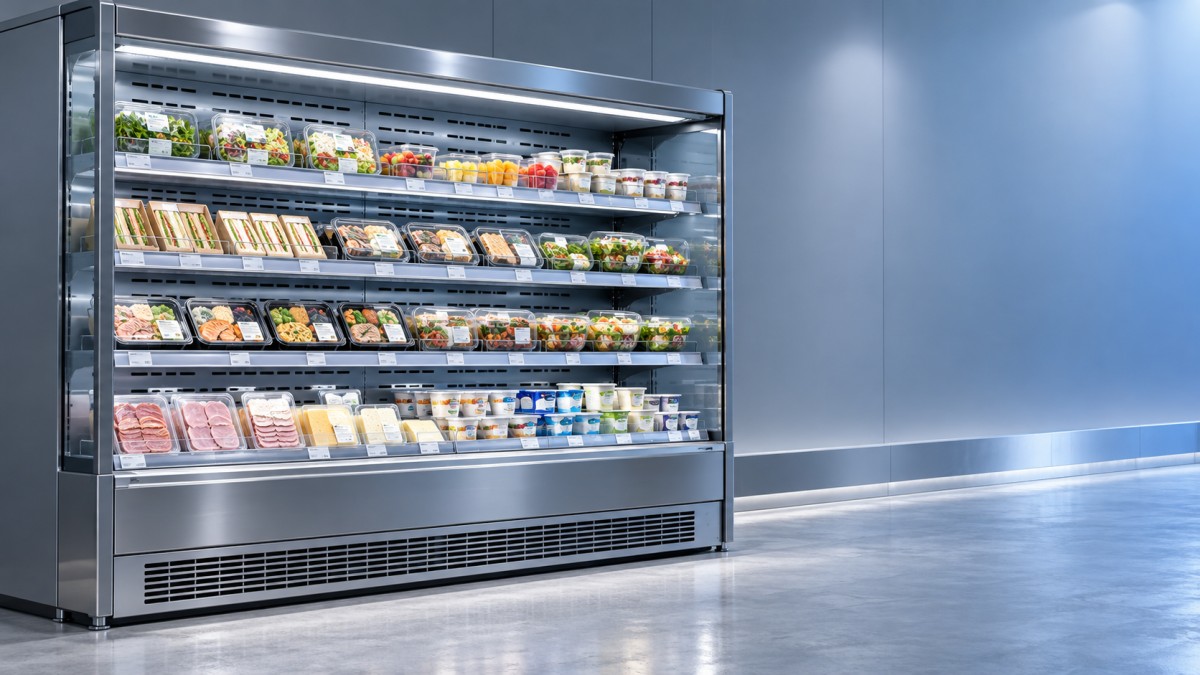
The Vertical Multideck Open Chiller uses an air curtain and rear-panel air outlets, with adjustable multilevel shelves. When changing its shelf arrangement, preserve the marked loading limits and keep the rear outlets clear rather than treating every available space as merchandise capacity.
Choose quantities that match the package
Rigid cartons and sealed tubs usually form predictable rows, while loose produce bags and flexible pouches change shape as stock is removed. Leave enough room for those packs to settle without bulging into the front air stream. For tall bottles, confirm that caps and necks remain below the applicable load limit, not just that the bases fit on the shelf.
Large outer cases, cardboard dividers, and plastic film can form barriers between the rear outlets and the products. Remove transport packaging when appropriate for the product and store procedure, while retaining any packaging needed for hygiene, identification, or product protection. Avoid laying flat promotional boards across the rear panel or suspending signs in front of the air curtain.
Different goods also have different temperature requirements. Arrange dairy, cooked foods, meat, seafood, produce, and beverages according to their storage instructions and the cabinet's specified operating range. Keep raw and ready-to-eat items separated as required by the applicable food-safety procedures; a shared display is appropriate only when both temperature and contamination controls are satisfied.
Replenish without warming the display
Bring out chilled stock in manageable batches and return unused goods to appropriate refrigerated storage promptly. An open display cabinet is intended to maintain suitable product temperatures, not to rapidly cool a large delivery of warm goods. Confirm the incoming product temperature using the store's receiving procedure before placing it in the case.
Rotate stock by date without pulling all the existing merchandise into the aisle at once. Move older items forward within the load line and place newer stock behind them, preserving the rear clearance. During a busy refill, it is easy to put a tote on the lower grille or leave an empty carton across the opening; keep both on a separate trolley or work surface.
Allow the cabinet to reach its normal operating condition after cleaning, extended unloading, or a shutdown before restocking, following its instructions and the store's food-safety procedure. A cold-looking surface or a low controller reading alone does not establish that merchandise is at the correct temperature.
Read temperature alongside the display condition
The controller displays the temperature measured at its sensor; it does not directly report the temperature of every product on every shelf. Use a calibrated thermometer and the store's approved method to verify product temperatures, paying particular attention to locations where stock projects forward or airflow appears restricted. Record the result and compare it with the product's required limits.
If goods at the front feel warmer than those farther back, first look for a broken air curtain: overhanging packs, blocked grilles, or signs in the opening are visible causes to correct. Air movement from entrance doors, ventilation outlets, or fans can also disturb the curtain. If the loading is correct but the problem continues, report the location and conditions for maintenance rather than changing the controller setting without authorization.
A temporary temperature change during automatic defrost is not, by itself, proof of a fault. Judge the display using the cabinet instructions, the duration of the change, and actual product temperatures. If a temperature is outside the permitted range, follow the site's food-safety procedure for isolating and assessing affected stock.
During trading, straighten displaced packages and remove loose labels or wrapping before they accumulate at the return grille. If a grille is dirty or iced over, follow the approved cleaning and maintenance procedure; do not insert tools into operating fans or dismantle cabinet components during routine restocking.

Thank you very much for writing to us. Please leave your message and contact information, we will reply to you within 24 hours.